
How to delete survey responses from my account?

Delete survey responses with ease.
Deleting survey responses gives you the ability to remove unwanted responses from your survey. You can also test your survey responses and delete it before sending out the live survey to your audience.
To delete survey responses from your account:
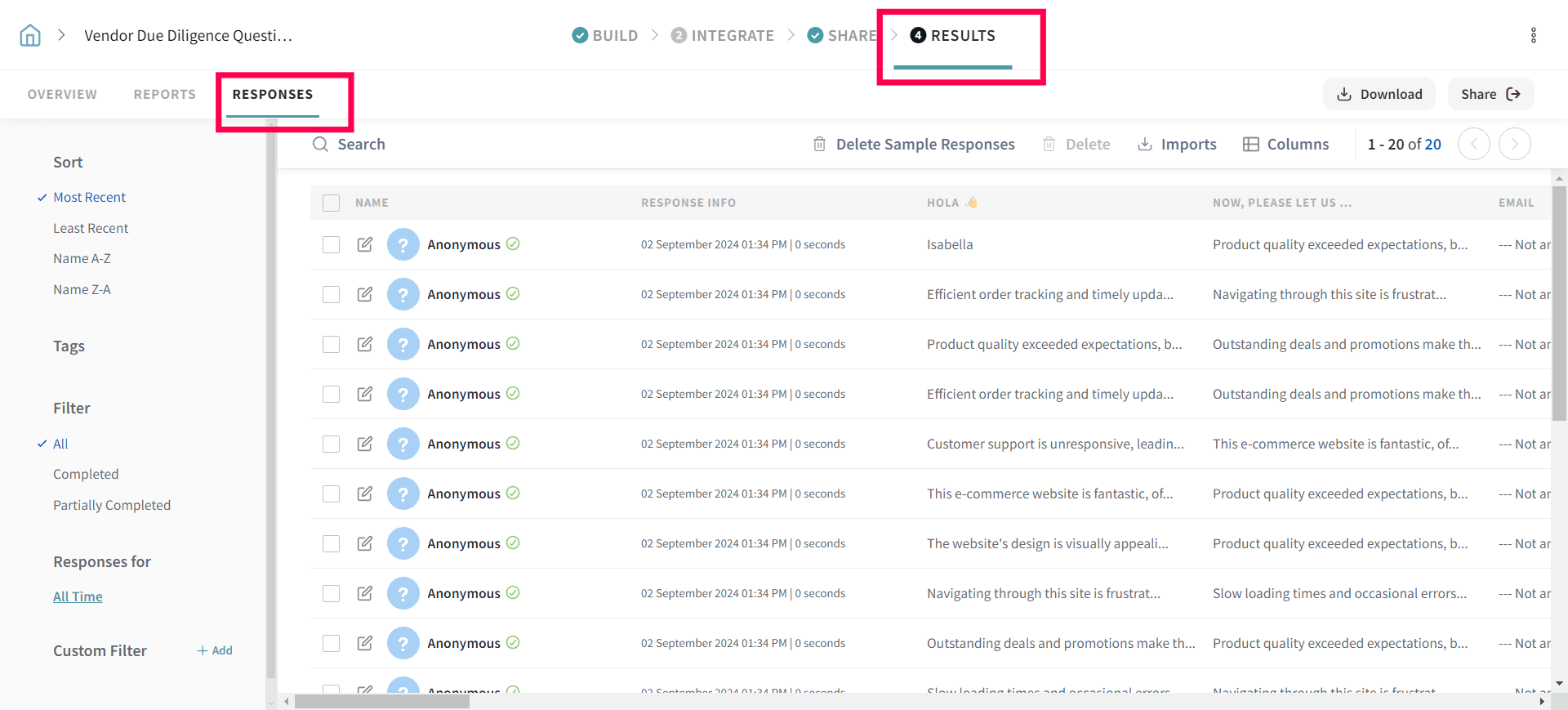
1. Go to Results and then to Responses.
2. Choose the responses you wish to delete and then hit the Delete button
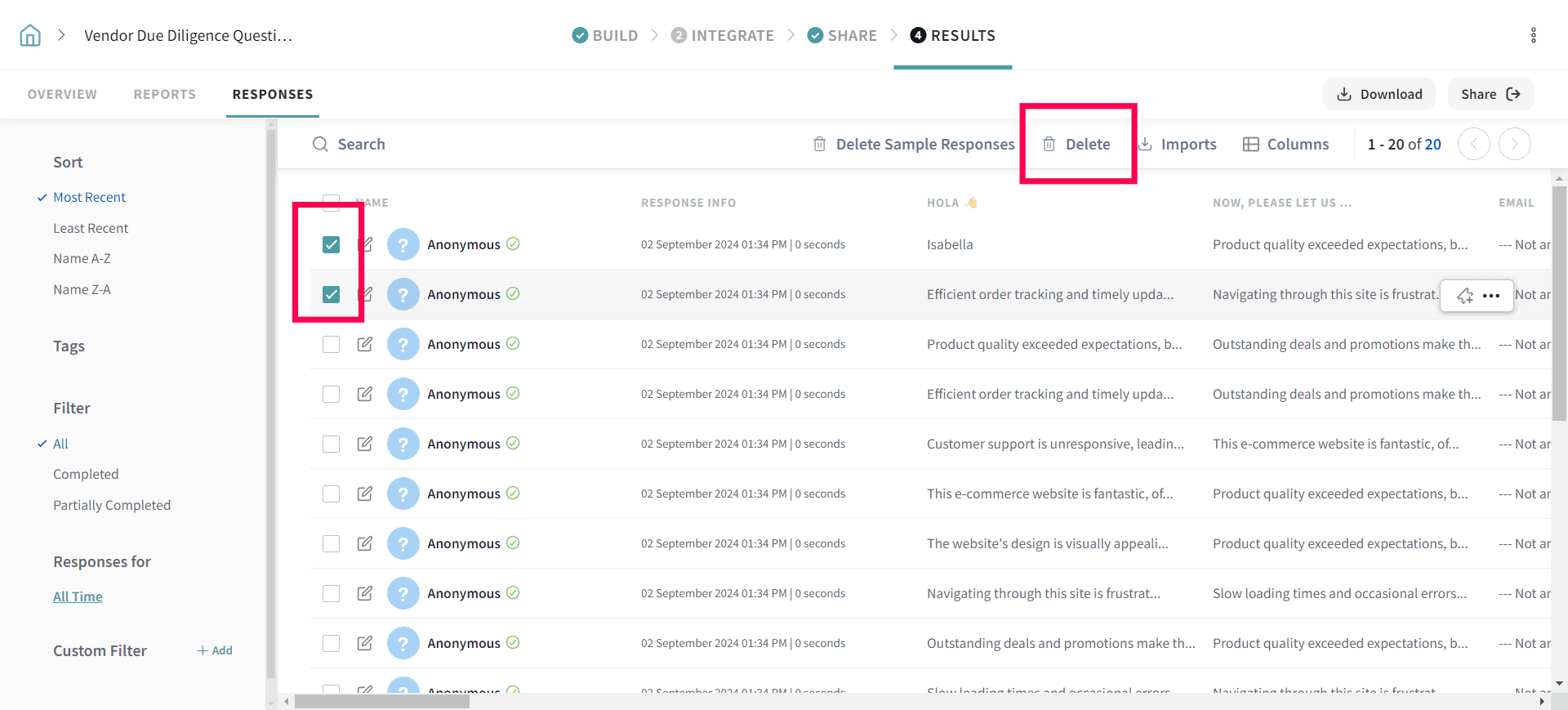
That’s all! We have now deleted the unwanted responses to optimise the results.