
How to generate sample survey responses

If your survey doesn't have any responses yet, you can generate sample responses without actually sending it to anyone. This can help you understand the kind of reporting that will be generated and then tweak the survey accordingly.
How it works:
1. After creating the survey, select the Results tab and click adding sample responses. 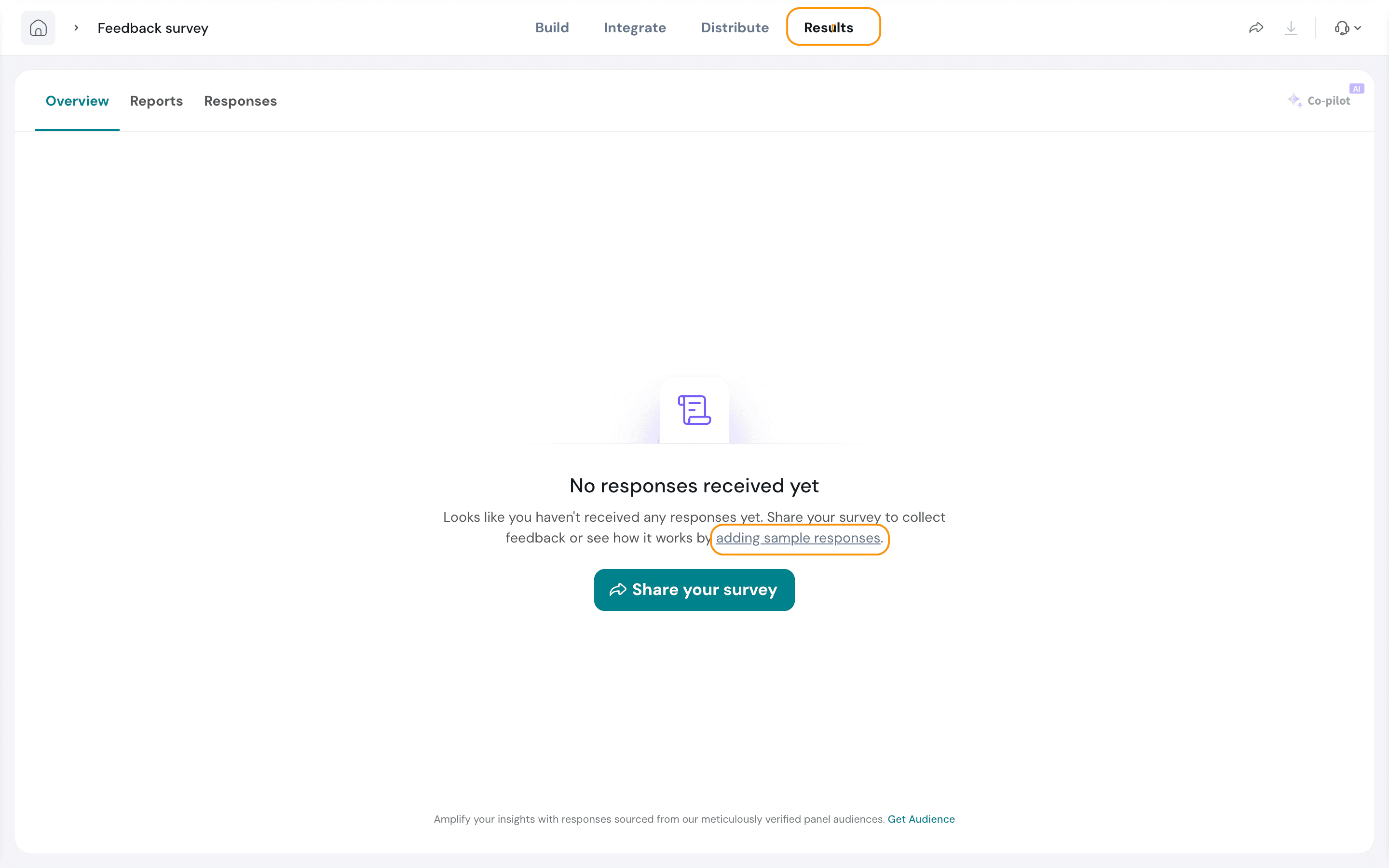
2. Enter the number of responses to be generated and click Generate Response.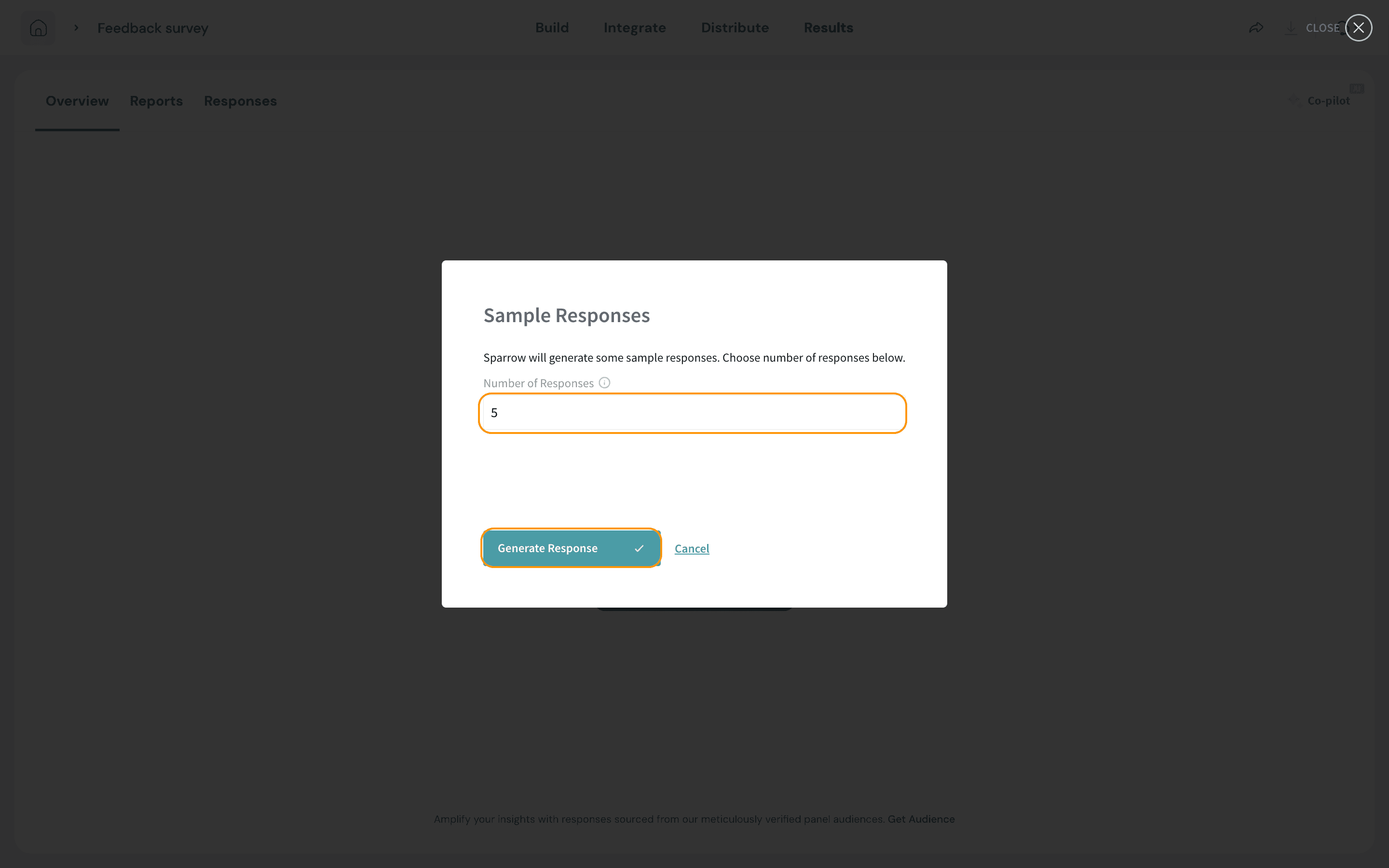
Note: The range of sample responses that can be populated is limited between 1-10.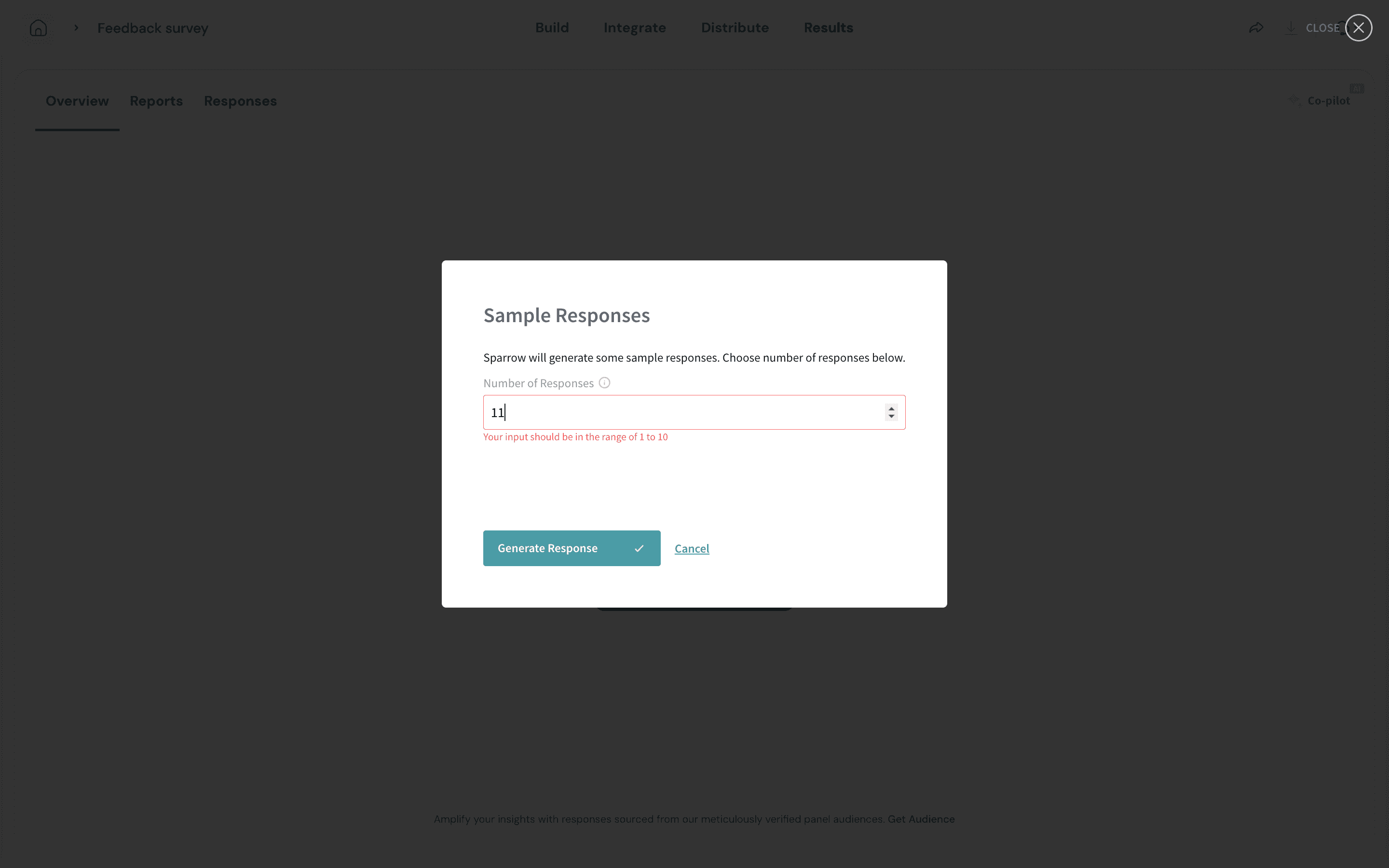
3. You can view the sample responses in the Responses tab under the Results section. You will see a banner that specifies the number of sample responses. If you'd like to delete the responses, click on Delete sample responses.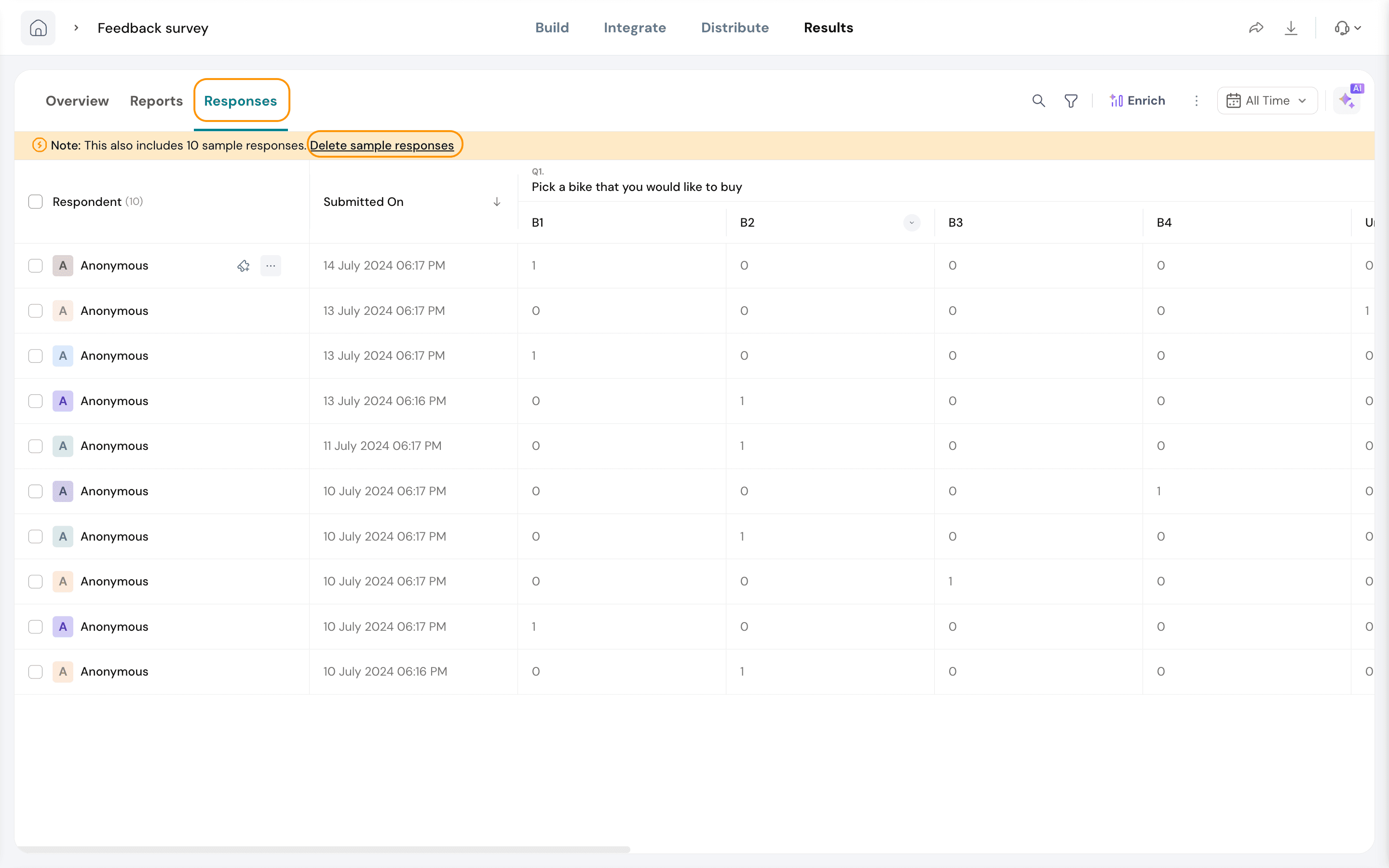
That's how easy it is to create sample responses!